
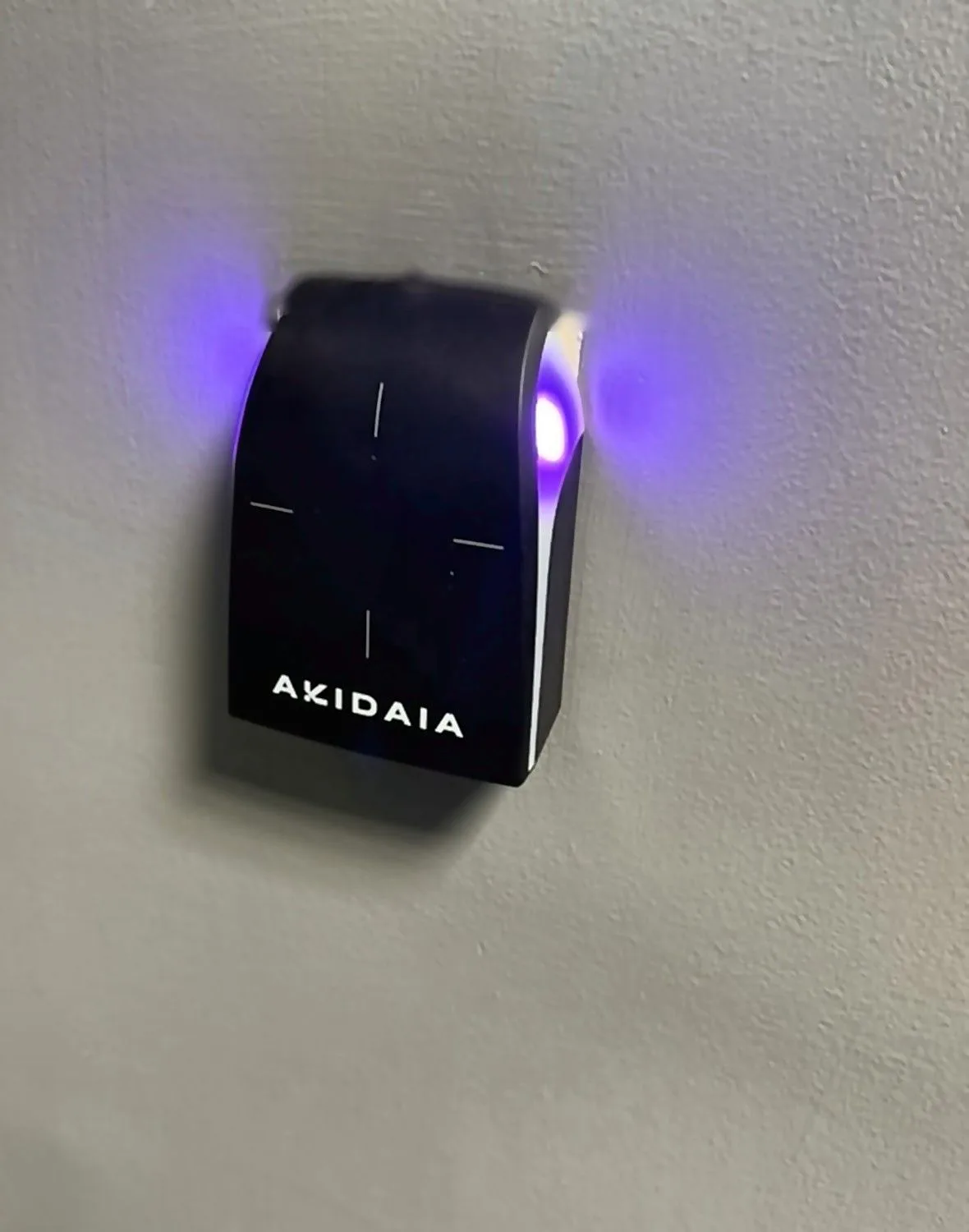
The right commercial access control system is the one that fits how your building actually runs: how many doors you need to secure, who needs access and when, how you want to manage it, and what it has to work with (cameras, intercoms, fire alarm). Start with those four questions and the choice between brands and features gets much simpler. Below is a practical guide for Long Island and NYC office managers, facilities teams, property managers and contractors planning a new system or replacing an old one.
Why Businesses Move Away From Keys
Keys are cheap until one goes missing. Then you are rekeying locks, cutting new keys and hoping nobody made a copy.
An access control system replaces keys with credentials (cards, fobs or phones) that you can turn on and off in seconds. When an employee leaves, you deactivate their credential instead of changing the locks. You also get an event log showing which doors were used and by whom, which helps with security questions, after-hours activity and tenant disputes.
Step 1: Map Your Doors and Users
Before you look at any product, walk the building and list:
- Every door you want to control: main entrance, suite doors, IT and network closets, stock rooms, executive offices, loading docks and elevators.
- Who needs access to each door: staff, managers, cleaning crews, vendors, tenants and visitors.
- When they need it: business hours only, 24/7, or specific days.
This list sets the size of the system and helps your installer give you an accurate quote.
Step 2: Choose Your Credentials
Most commercial systems support several credential types:
- Key cards and fobs: familiar, inexpensive to replace and easy for visitors and temporary staff.
- Mobile credentials: employees unlock doors with a smartphone app. No cards to lose, and access can be issued remotely.
- PIN keypads: useful as a backup or for doors where a card is not practical.
Many offices use a mix, such as mobile credentials for staff and cards for cleaning crews. If you are replacing an older system, ask whether your existing cards will work with new readers. Older proximity cards are easier to copy than newer encrypted smart cards, so an upgrade is a good time to move to more secure credentials.
Step 3: Decide Between Cloud and On-Site Management
On-site (server-based) systems run on a computer or appliance in your building. They suit organizations with IT staff who want everything kept in-house.
Cloud-based systems are managed through a web browser or app. You can add users, unlock a door for a delivery or pull a report from anywhere. Software updates happen automatically, and multi-site companies can manage every location from one dashboard. Most cloud systems carry an ongoing subscription, so factor that into your budget.
For many small and mid-sized offices, cloud management is the easier choice. Larger sites with strict IT policies sometimes prefer on-site control. Many systems of both types keep doors working locally if the internet goes down, but ask your installer how the system you are considering behaves during an outage.
Step 4: Plan for Door Hardware and Life Safety
The reader on the wall is only half the job. Each door also needs the right locking hardware, such as an electric strike, a magnetic lock or an electrified lever, plus a door position sensor and a way to exit.
Doors on a path of egress must allow people to leave freely, and many systems need to tie into the fire alarm so doors release in an emergency. Local building and fire codes apply here, so work with an installer who coordinates with your locksmith, door hardware supplier and fire alarm vendor. This is especially important in NYC buildings and multi-tenant properties, where the landlord or building management often has its own requirements.
Step 5: Think About Integration
Access control works best when it is connected to your other building systems:
- Security cameras: link door events to video so you can see who actually walked in. See our commercial security camera services.
- Intercoms: let visitors call the front desk or a phone app, then unlock the door remotely. Learn more about business intercom systems.
- Network and cabling: readers, controllers and locks need reliable low voltage cabling and, often, network and PoE power. Planning this with the access control design avoids surprises during installation.
If you already have cameras or intercoms, check which brands the new system supports. Also ask how easy it is to add doors or locations later.
Working With a Long Island Access Control Installer
A good installer will walk your building, help you map doors and users, recommend credentials and hardware, and coordinate with the other trades. Telephone Business Systems has served Long Island businesses since 1985, installing commercial access control systems along with the cameras, intercoms and cabling that tie them together across Nassau, Suffolk and NYC.
Frequently Asked Questions
Can I keep my existing door hardware? Sometimes. Many doors can be retrofitted with an electric strike or electrified lock, but the frame, door type and code requirements all matter. An on-site survey is the best way to know.
What happens if the power or internet goes out? Most systems store access rules locally so doors keep working without the internet, and battery backup can keep the system running through short power outages. Ask how your specific system handles each scenario.
Can access control work across multiple locations? Yes. Cloud-based systems are well suited to multi-site businesses, letting you manage users and doors at every location from one account.
Ready to Secure Your Doors?
Whether you are replacing keys, upgrading an outdated card system or fitting out a new space, we can help you choose and install the right commercial access control system for your Long Island or NYC office. Call (516) 373-2520 or email contact@telbiz.com for a free on-site survey.